
If you mention “Screen Time” in a parenting group, get ready for a fight.
There is a massive stigma around “iPad Kids.” We are told that screens are melting their brains, ruining their attention spans, and causing the meltdowns. And sure, if my son watches 4 hours of high-speed, chaotic YouTube shorts, he turns into a zombie.
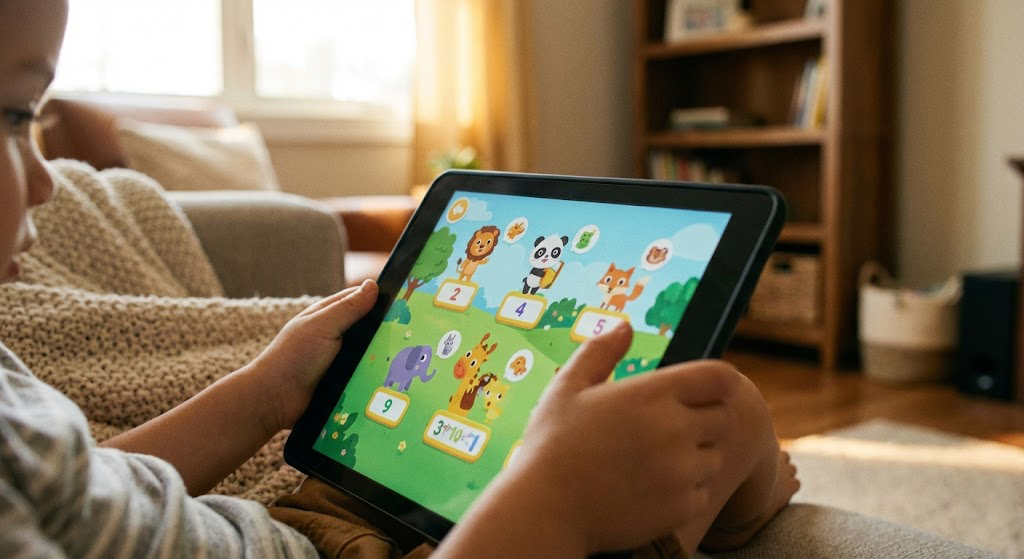
But here is the reality: For a neurodivergent brain, a tablet is not just a toy. It is Assistive Technology.
It offers something the real world rarely does: Predictability. When he presses a button in a game, the exact same thing happens every single time. That control is soothing to a nervous system that feels chaotic.
We decided to stop banning the iPad and start managing it. Here is how we turned the “enemy” into our best regulation tool.
1. The “Guided Access” Hack (The Parent Superpower)
If you take nothing else from this blog, take this.
My biggest issue was that my son would constantly exit the educational app I set up and find his way to YouTube. He would get frustrated, close apps, and scream.
Then I found Guided Access (on iOS).
This feature allows you to lock the iPad into a single app. They cannot exit. They cannot change the volume. They cannot click on ads.
- How to do it: Go to Settings > Accessibility > Guided Access. Turn it on.
- The Magic: Open the app you want them to use. Triple-click the side button. Boom. Locked.
Now, the iPad is a dedicated “Reading Machine” or “Puzzle Machine,” not a portal to the entire internet.
2. Visual Timers (Making Time Visible)
“You have 5 minutes” is an abstract concept. My son doesn’t feel time passing like I do.
We use an app called “MouseTimer” (or the classic “Time Timer”). It shows a visual representation of time disappearing (like a shrinking pie chart or a mouse eating apples).
We don’t use the iPad just for games; we use it as the “House Clock.” It sits on the counter during breakfast so he can see exactly how much time is left before the bus comes. It reduced our morning shouting matches by about 80%.
3. Active vs. Passive Screens
We made a rule: Creation over Consumption.
- Consumption (The “Junk Food”): Watching YouTube, scrolling TikTok, staring at passive cartoons. This is what causes the “zombie mode.”
- Creation (The “Vegetables”): Minecraft, Toca Boca, Drawing apps, Coding games.
If he is building a castle in Minecraft, his brain is solving problems, planning, and being creative. That is healthy focus. If he is staring at unboxing videos, that is dopamine frying. We allow unlimited “Creation” time, but strict limits on “Consumption.”
The Bottom Line
Don’t let the “perfect parents” on Instagram make you feel bad.
If you are using a tablet to help your child regulate, learn, or communicate, you aren’t being lazy. You are using the tools available to you.
Lock it down with Guided Access, pick the right apps, and enjoy the silence.